
Geo and IP Allow-Listing
Overview
Login Access Control adds an extra layer of security by restricting access to specific site keys based on approved countries or IP addresses. Users can remain logged into the console but cannot access site keys from unapproved locations or networks.
This feature is available as an optional, feature-flagged capability for any account.
How Access Control Works
Access control is configured separately for each site key, not for the entire account. Users can log in to the console but can access only the site keys permitted by their location or network.
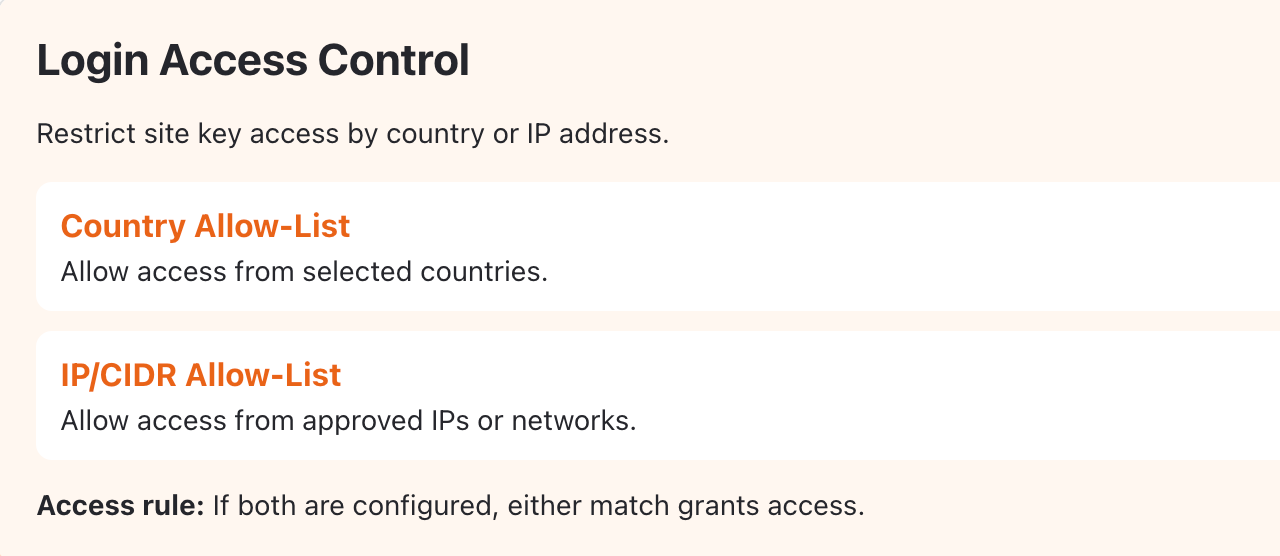
Each site key supports two access restrictions:
- Country allow-list: Allow access only from selected countries, chosen from a dropdown.
- IP/CIDR allow-list: Allow access only from specified IP addresses or network ranges, such as 192.168.0.0/16.
When both restrictions are configured, access is granted if either condition matches.
For example, a company can allow access from India while adding an employee’s Australian IP address separately, without allowing access from all of Australia.
Each allow-list can contain multiple entries, with a proposed limit of five entries per list.
Workflow for Login Access Control
What a Blocked User Sees
A user denied access to a site key is never blocked from the console itself.
The restricted site key still appears in their navigation. Opening it returns a message telling them they are not authorized for that site, without revealing the allow-list itself. In the walkthrough recording, this appeared as:
"Access not available in your region. You don't have access for this site key for your current location."
Notifications and Logging
A blocked attempt does more than show the user a message.
It also triggers an email to a configurable recipient list, covered in the Blocked-Access Notification documentation, and is recorded as a login event regardless of whether the email is delivered, covered in the Login Event Instrumentation documentation.
Updated 8 days ago