
Core Concepts
Learn about the core concepts that are central to Netcore Unbxd.
Search
Search lets shoppers search for products on your site quickly and easily. UNBXD makes the search intuitive. It understands typing errors, matches similar terms (like "sneakers" and "running shoes"), and shows the best results.
As the user types, the search bar gives instant suggestions. This saves time and helps users find what they’re looking for faster.
You can also implement a powerful out-of-the-box omnichannel search that delivers consistent shopping experiences across web, mobile, and in-store channels.
Stemming
Automatically matches different forms of a word like “run” and “running”.
Synonyms
Connects words with similar meanings like “joggers” and “track pants”.
Typo Correction
Fixes spelling errors and still returns relevant results.
Spellcheck
Effortlessly detect and intuitively correct mistakes in shopper queries and avoid a zero results page.
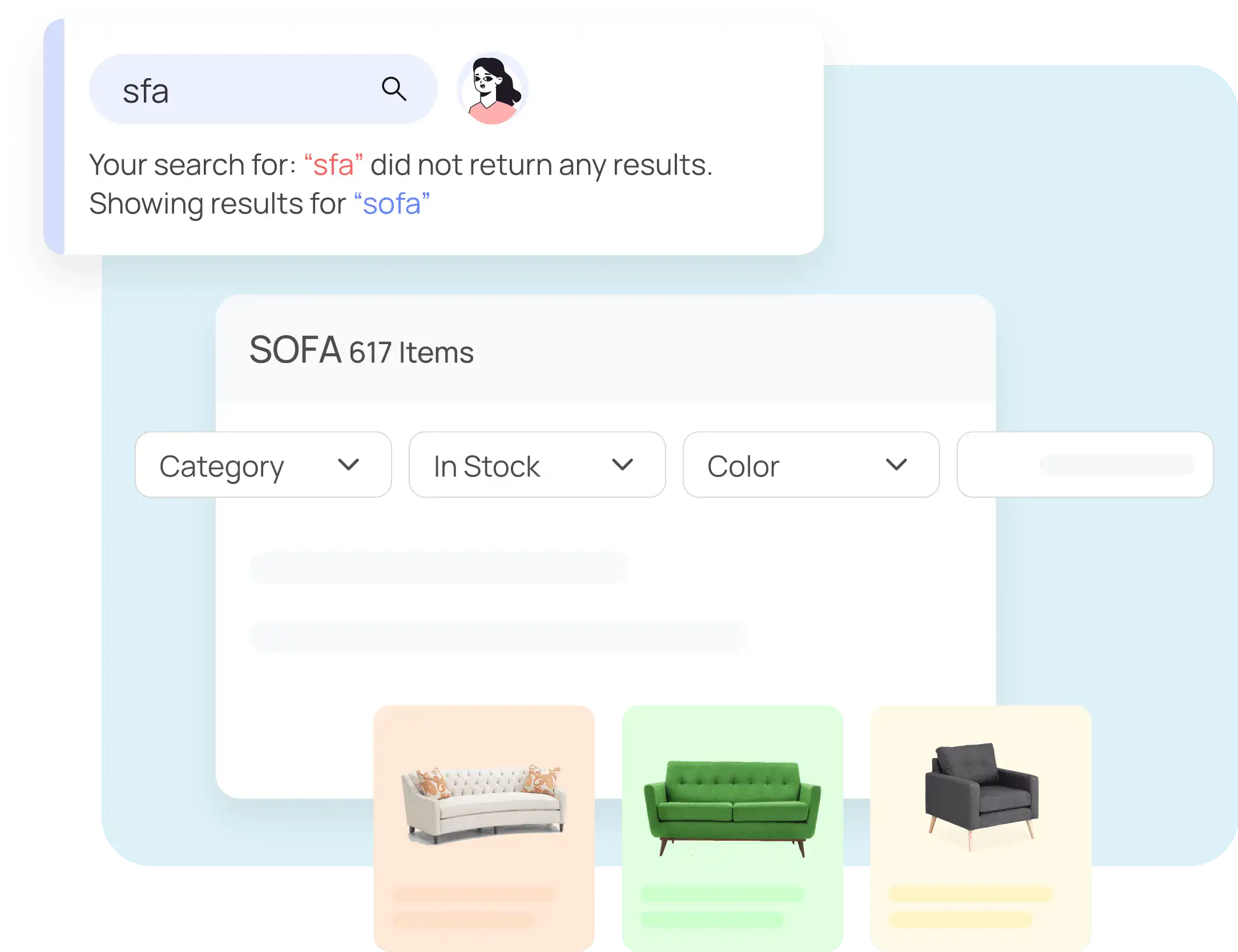
Get Alternatives for Misspelled Search Terms
Phrases
Treats multi-word terms like “black tie dress” as a single search intent.
Concepts
Groups related items under broader themes (e.g., “formalwear” includes tuxedos, suits, etc.).
Stopwords
Filters out common filler words (like “in”, “the”) to improve query interpretation.
Autosuggest
Autosuggest displays real-time suggestions, such as keywords, categories, and popular products, as users type in the search bar. It accelerates product discovery, reduces typing effort, and guides users toward relevant results faster. This improves engagement and reduces the chances of zero-result queries.
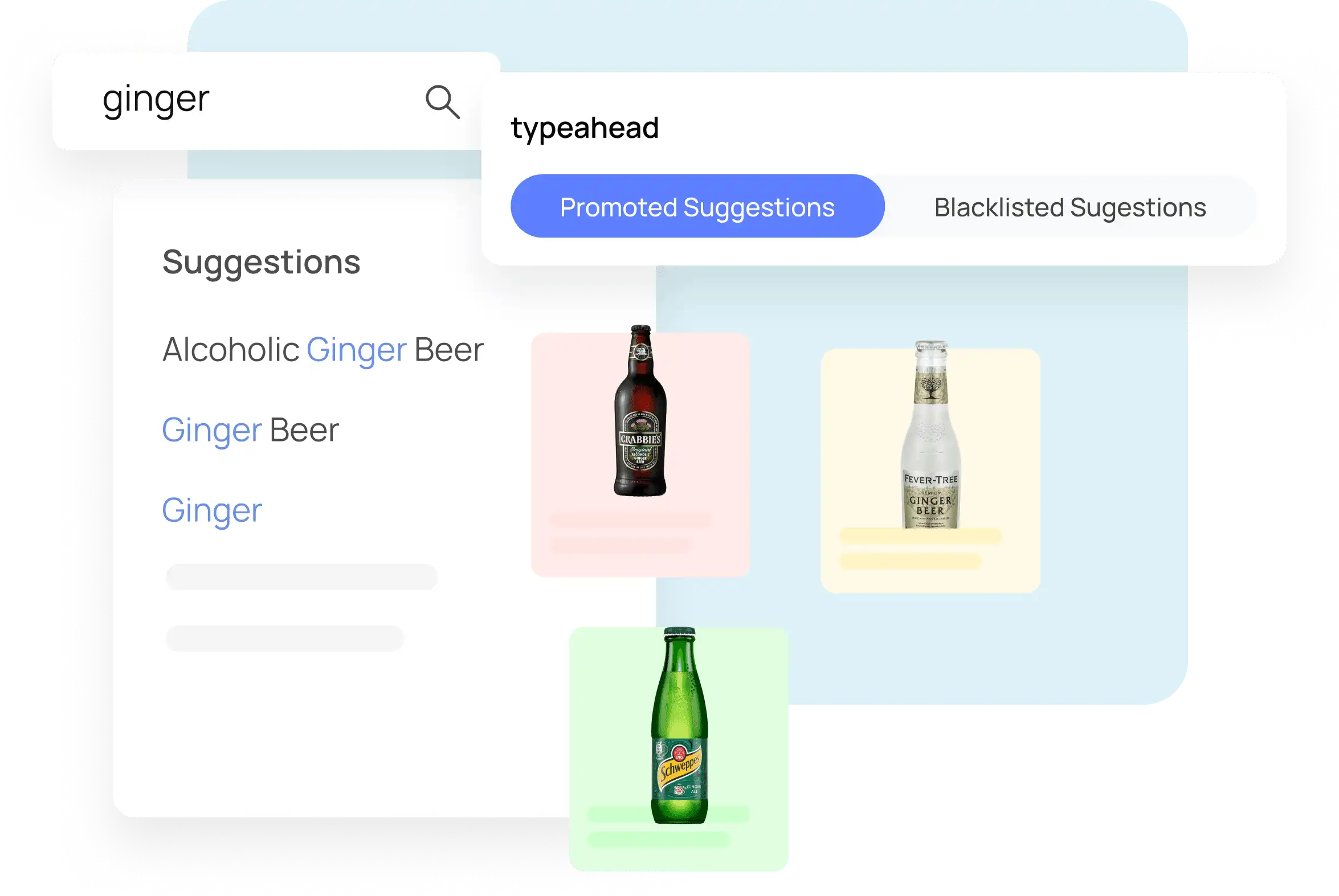
Suggest Shoppers Trending and High-Performing Queries
Zero-Result Handling
Handles queries with no results by offering:
- Spelling corrections
- Similar query suggestions
- Product/category redirects
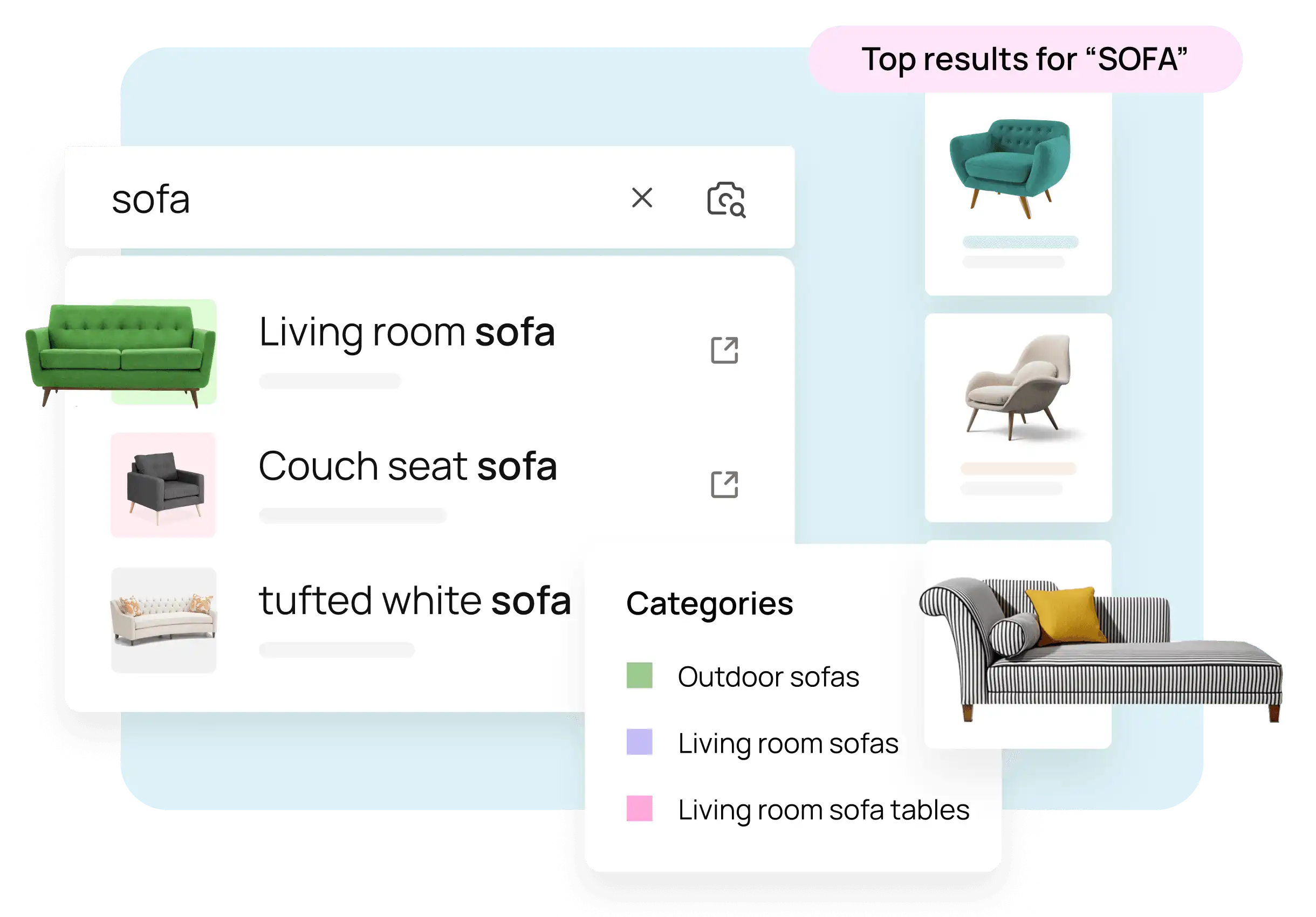
Improve Search Efficiency by Predicting Queries
Dynamic Ranking
Automatically reorders products based on real-time user behavior signals (clicks, add to cart, conversions).
This can be overridden with manual rules. Strategically influence the position of search results to match shopper preferences, industry-specific needs, and business objectives.
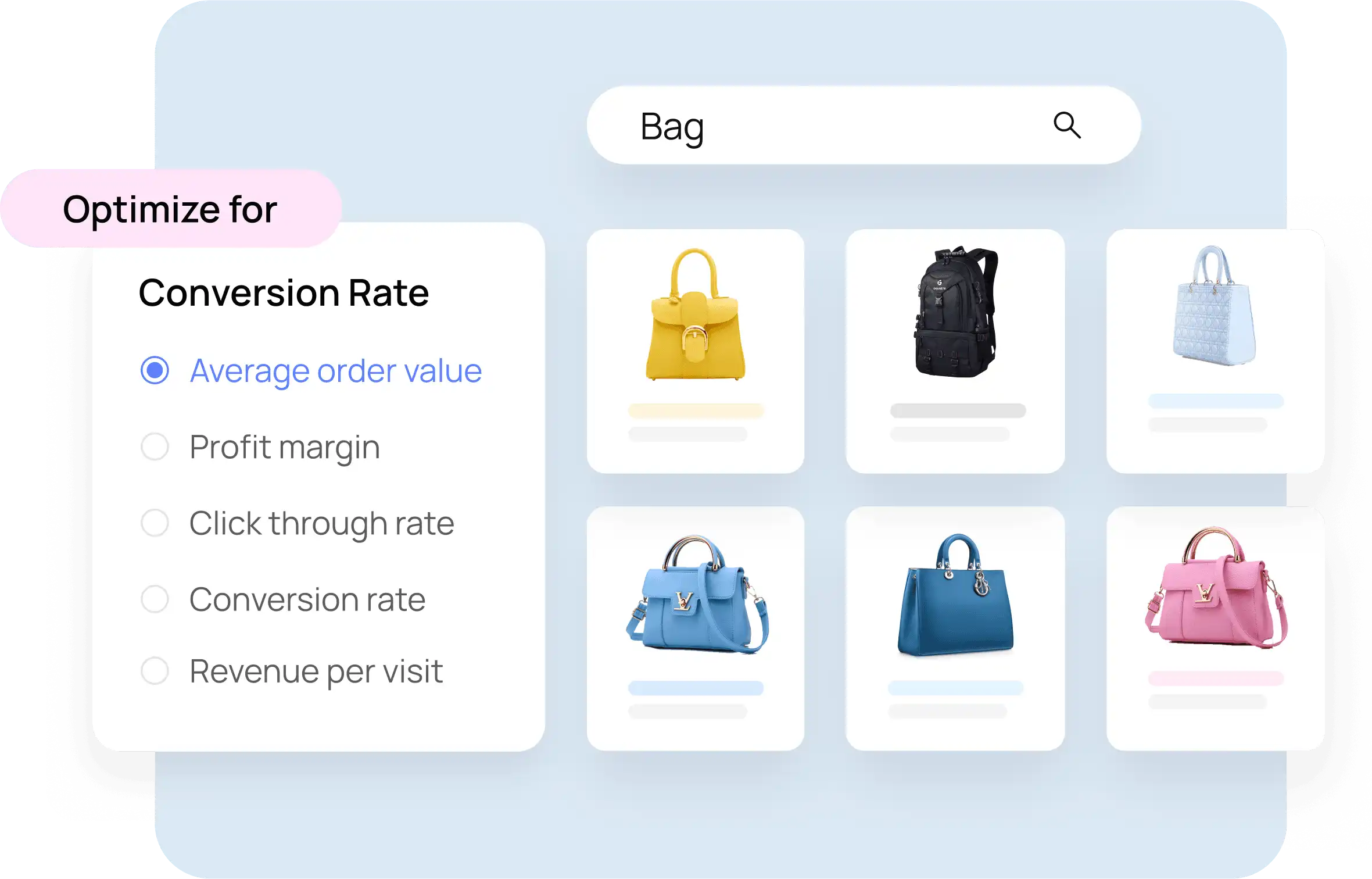
Change the Position of Search Results to Match Shopper Preferences
Visual Search
Users can upload images to search visually for similar products using AI-based image recognition.
Shopping Agent
An AI assistant that guides users interactively to refine their product search based on preferences.
Product Badges
Labels like “New”, “Bestseller”, or “Trending” added to product cards to attract attention.
Configured via merchandising console using tags or attributes.
Attribute Enrichment
Automatically fills missing attributes using product titles or descriptions.
Product Card View
Defines what information (price, rating, badges) appears on product listing cards.
Dimension Mapping
Maps size- or dimension-based queries (e.g., “42-inch TV”) to relevant product attributes.
Browse
Browse allows users to explore your catalog through category navigation, filters, and merchandising enhancements.
Facets and Filters
Facets allow users to filter products based on:
- Size, brand, price, etc.
- Multi-select support
- Range sliders
- Custom labels or pinned values
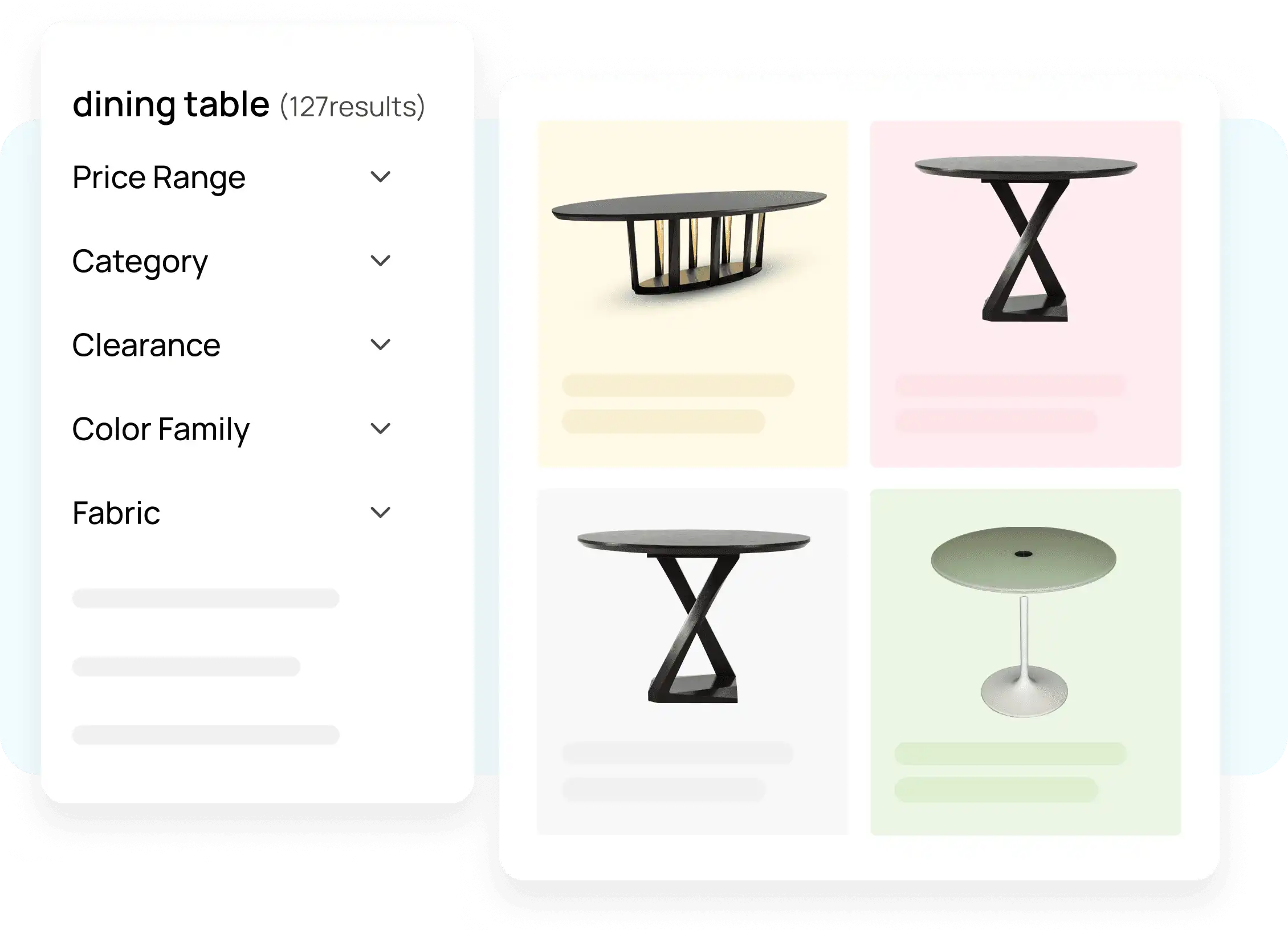
Optimize Filter Options Based on Products
Boost / Bury
Rule-based logic to promote or demote products in results based on conditions like brand, inventory, margin, etc.
Example: Boost “Nike” products or bury out-of-stock SKUs.
Pinning
Locks a product to a fixed position in the result grid (e.g., always show a certain SKU in position 1).
Ideal for new launches or high-priority items.
Slotting
Assigns specific products to pre-defined slots in the results grid (e.g., slots 1–3 reserved for campaign products).
Filter Pin
Pins products within specific filtered views (e.g., always pin “Red Sneakers” when color filter is red).
Filter Slot
Allows you to assign products to slots only within specific filtered views.
Filter Sort
Customizes the default sort order within a filtered product group (e.g., sort by discount for Sale filters).
Banners
Promotional visuals placed above or within product grids. They can appear:
- Always (default)
- Conditionally (e.g., based on query or segment)
Query Rules
Rules triggered by a specific query.
Example: If the query is “diwali,” boost festive items and display a seasonal banner.
Manual Rules
Custom merchandising rules that override dynamic ranking using conditions like:
- Price
- Inventory status
- Location
- Device
Global Rule
Site-wide merchandising logic that applies regardless of query or page.
Optional Rules
Conditional merchandising setups that activate under specific triggers like time, device type, or user segment.
Landing Pages
Pre-built curated pages for themes or campaigns like “Back to School” or “Winter Sale”.
Merchandising Campaign
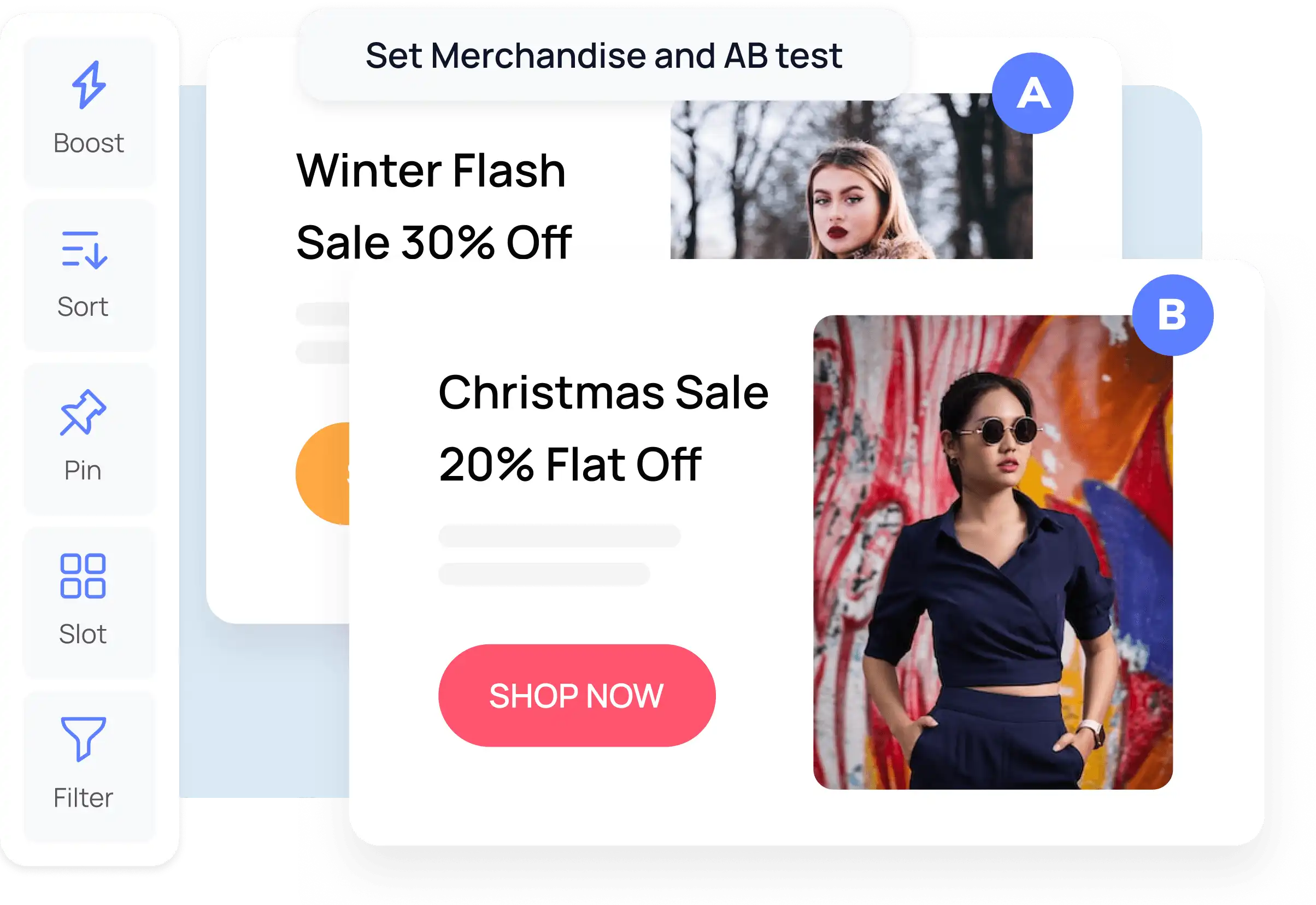
Establish Rules, and Experiment With Ideas
A grouped container of merchandising rules including:
- Boost/bury logic
- Banners
- Pins and slots
- Scheduling
- Targeted segments
Scheduling
Define start and end dates for campaigns or individual rules.
Example: Schedule Black Friday rules for Nov 25–28.
Preview Mode
Test and preview changes before publishing them live to your shoppers.
Segment-Based Merchandising
Customize merchandising by segment:
- New vs returning visitors
- Mobile vs desktop
- Geography
- Loyalty tier
Fallback Strategy
Default logic in case a merchandising rule fails or yields zero results.
Fallbacks include: AI ranking, redirect, or curated fallback products.
A/B Testing
Split-test merchandising rules or configurations to compare performance before a full rollout.
Recommendations
Recommendations personalize product suggestions to boost conversions.
Types include:
- You may also like
- Frequently bought together
- Recently viewed
- Recommended for you
Widgets can be placed on home, product, cart, and checkout pages.
Events
Unbxd tracks shopper behavior to enhance personalization and analytics.
Global Events
Track sitewide behaviors: searches, product clicks, cart adds, and purchases.
Feature-Specific Events
Capture feature-specific actions like:
- Filter selection
- Banner clicks
- Product impressions
Personalization
Search results, filters, and recommendations are tailored to individual users based on:
- Click behavior
- Past purchases
- Browsing history
- Session context
Each user sees results most relevant to their unique journey.
Analytics and Reporting
Unbxd offers actionable insights across your site experience:
- Top-performing search terms
- No-result queries
- Revenue from recommendations
- Merchandising rule performance
- Click-through rates for filters and banners
Product Catalog
The foundation for discovery, merchandising, and filtering.
- Ingested via CSV, XML, JSON, or PIM systems
- Requires structured data: name, brand, price, color, etc.
- Clean, enriched data improves discoverability and experience
Catalog Management
Manage how product data is structured, enriched, and indexed.
Feed Status
Shows the current status of product feed ingestion, errors, and sync logs.
Product Card Mapping
Defines which attributes appear in product tiles on your storefront.
Field Properties
Marks each attribute as searchable, filterable, retrievable, or display-only.
Attribute Enrichment
Uses AI to derive missing attributes from titles or descriptions.
Dimension Mapping
Links size-based queries to matching product dimensions for better precision.
Configure Site
API Key
Authenticates your site's integration with Unbxd’s platform services.
Site Key
Identifies your specific store environment (e.g., development vs production).
Updated 6 months ago