
Insight Agent
Insights Agent by Unbxd: AI-Powered Ecommerce Analytics & Search Insights
Overview
The Insights Agent is an AI-powered analytics assistant that helps you understand how your search, browse, autosuggest, and merchandising campaigns are performing, using simple natural language questions.
Instead of navigating multiple reports or relying on analytics teams, users can ask questions directly and get instant insights.
It is available within the Reporting section, accessible across:
- Search reports
- Browse reports
- Campaign and merchandising performance reports
Important Point to RememberThe Insight Agent is currently available only for internal Unbxd users. To enable this feature on your panel, reach out to [email protected].
The agent appears as a widget within reporting pages and opens a chat interface when activated.
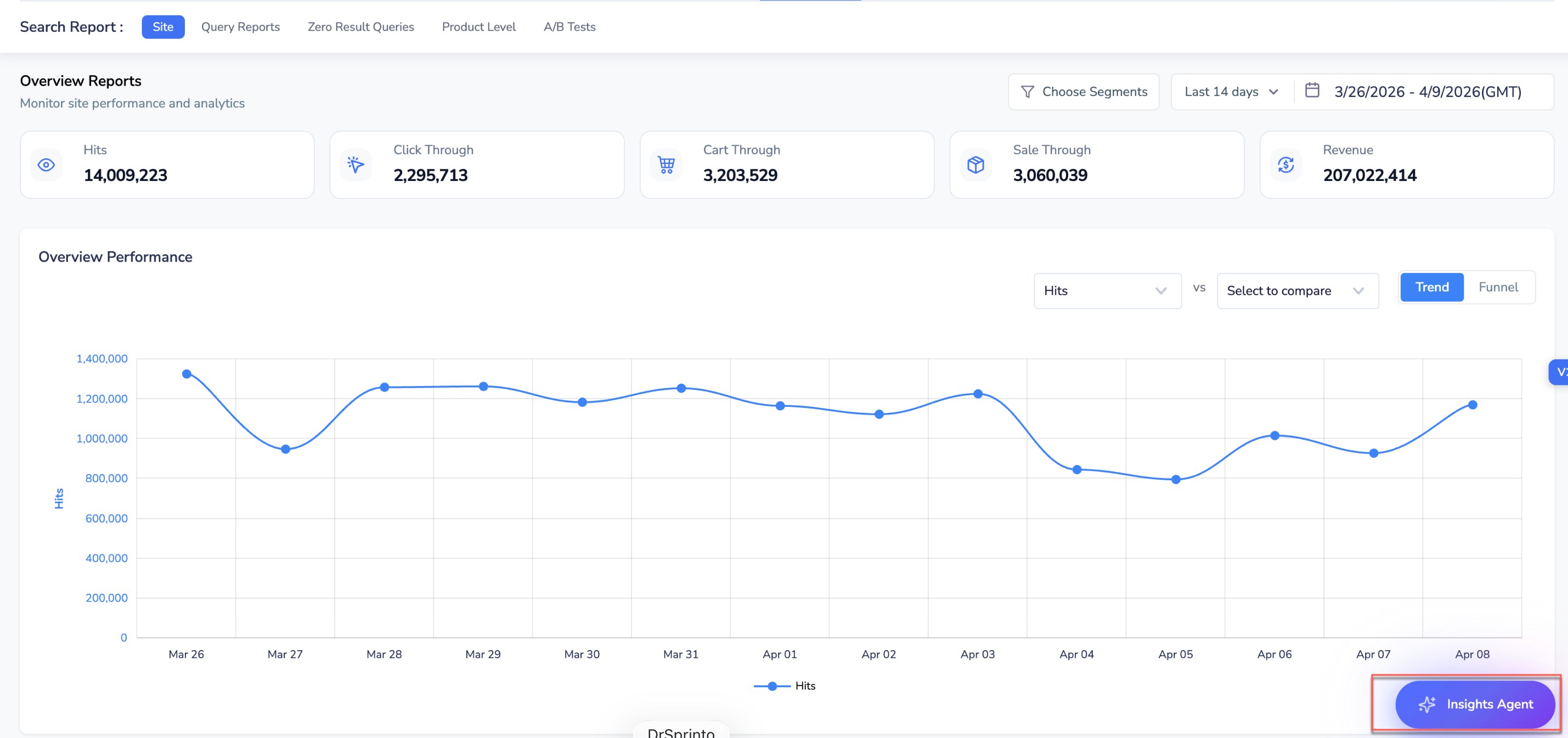
Accessing Insight Agent
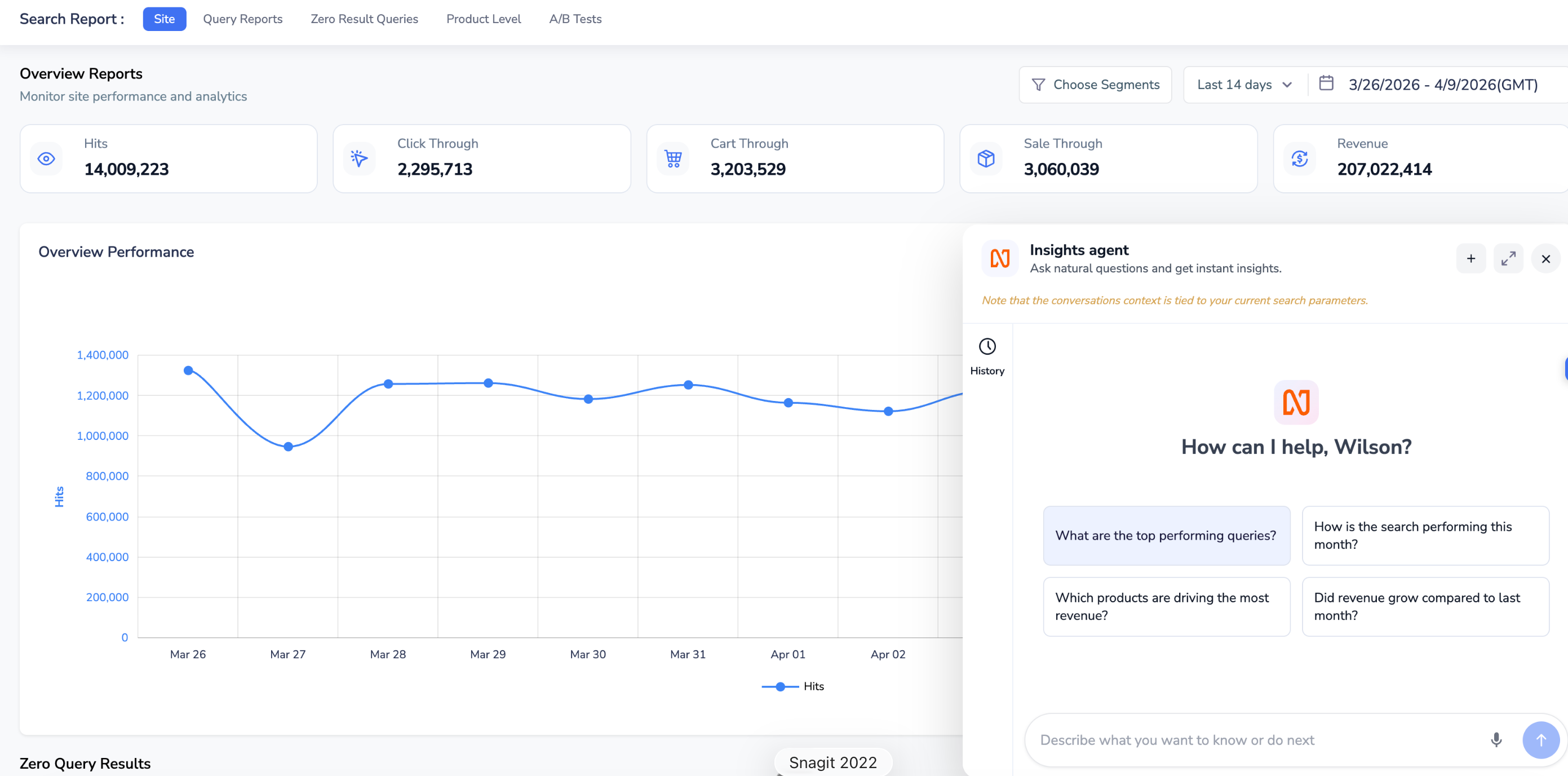
Insight Agent Chat Window
Working of Insight Agent
The Insights Agent analyses existing reporting data in the console and presents it in a summarised, easy-to-understand format. Instead of requiring users to apply filters, switch between reports, or manually derive insights, the agent interprets natural-language questions and automatically retrieves the relevant data.
If a question is unclear, such as whether it refers to search or browse performance, the agent asks follow-up questions to clarify the context before generating a response. Users can continue the conversation with follow-up questions to drill deeper into the data.
Use Case
Refer to the use case below to understand in which scenario what support does Insight Agents provide.
| Use Case | User Scenario | What the Insights Agent Does | Outcome |
|---|---|---|---|
| Search Performance Analysis | A user wants to understand how search contributed to business performance over a specific time period. |
| The user quickly understands overall search performance and trends without having to navigate multiple reports. |
| Query Performance & Search Quality | A user wants to identify which queries are performing well and which ones need optimisation. |
| The user gains visibility into search quality and can prioritise optimisation efforts for high-impact queries. |
| Merchandising & Campaign Impact Analysis | A user wants to measure whether a promotion or campaign improved performance. |
| The user can assess the effectiveness of merchandising efforts and make data-driven decisions for future campaigns. |
Updated 4 months ago